Carry it with confidence
Keep a compatible Security Key close in a pocket, bag, organizer, or on a keyring.
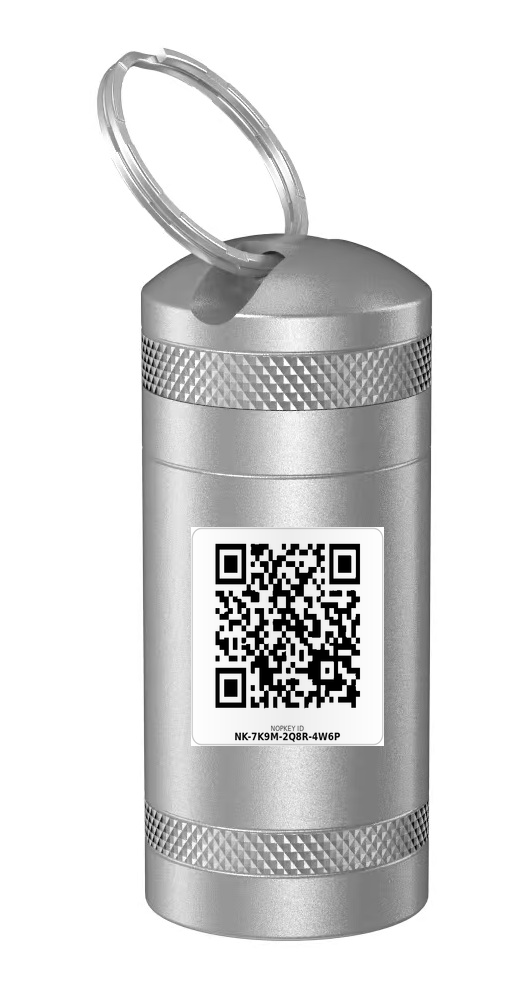
A compact metal Case for compatible physical Security Keys, with a NOPKEY ID Label included for clear identification and quick access to the right record.
Product images show a sample ID. Your bundled Label has its own unique NOPKEY ID.
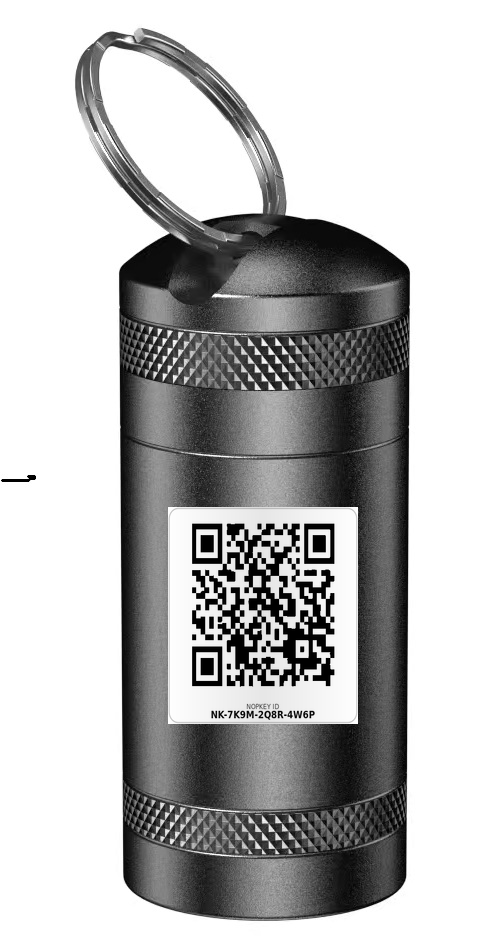
Check the current product listing for your exact model, including YubiKey 5 NFC or YubiKey 5C NFC. A similar shape alone does not confirm a fit.
Remove the Security Key from the Case before using NFC. Remove it for USB use as well.
The Case brings everyday protection and a scannable NOPKEY identity into one compact accessory.
Keep a compatible Security Key close in a pocket, bag, organizer, or on a keyring.
The included ID Label connects the Case to the right NOPKEY record.
Help shield the stored Key from scratches, pocket friction, dust, and everyday bumps.
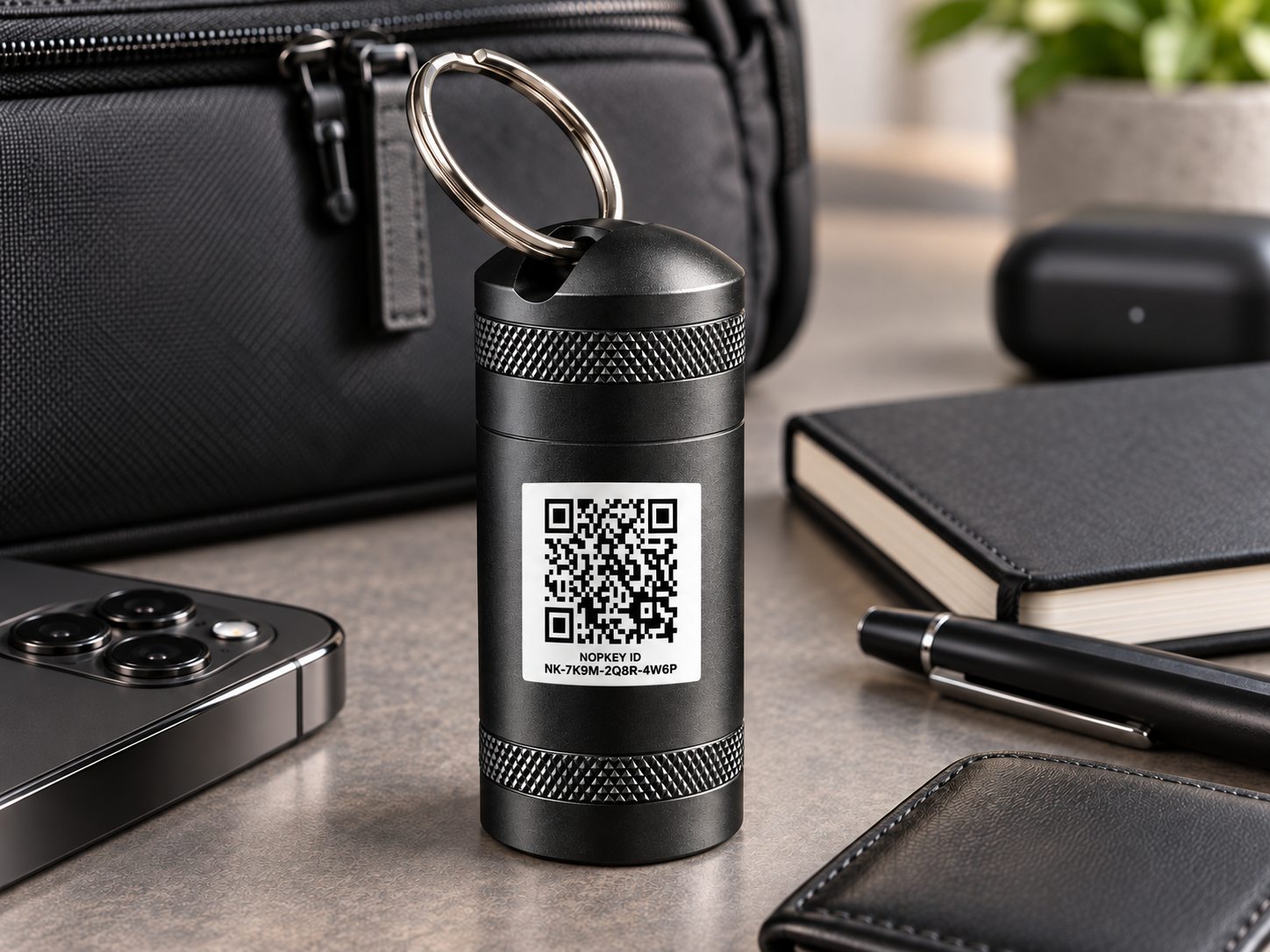
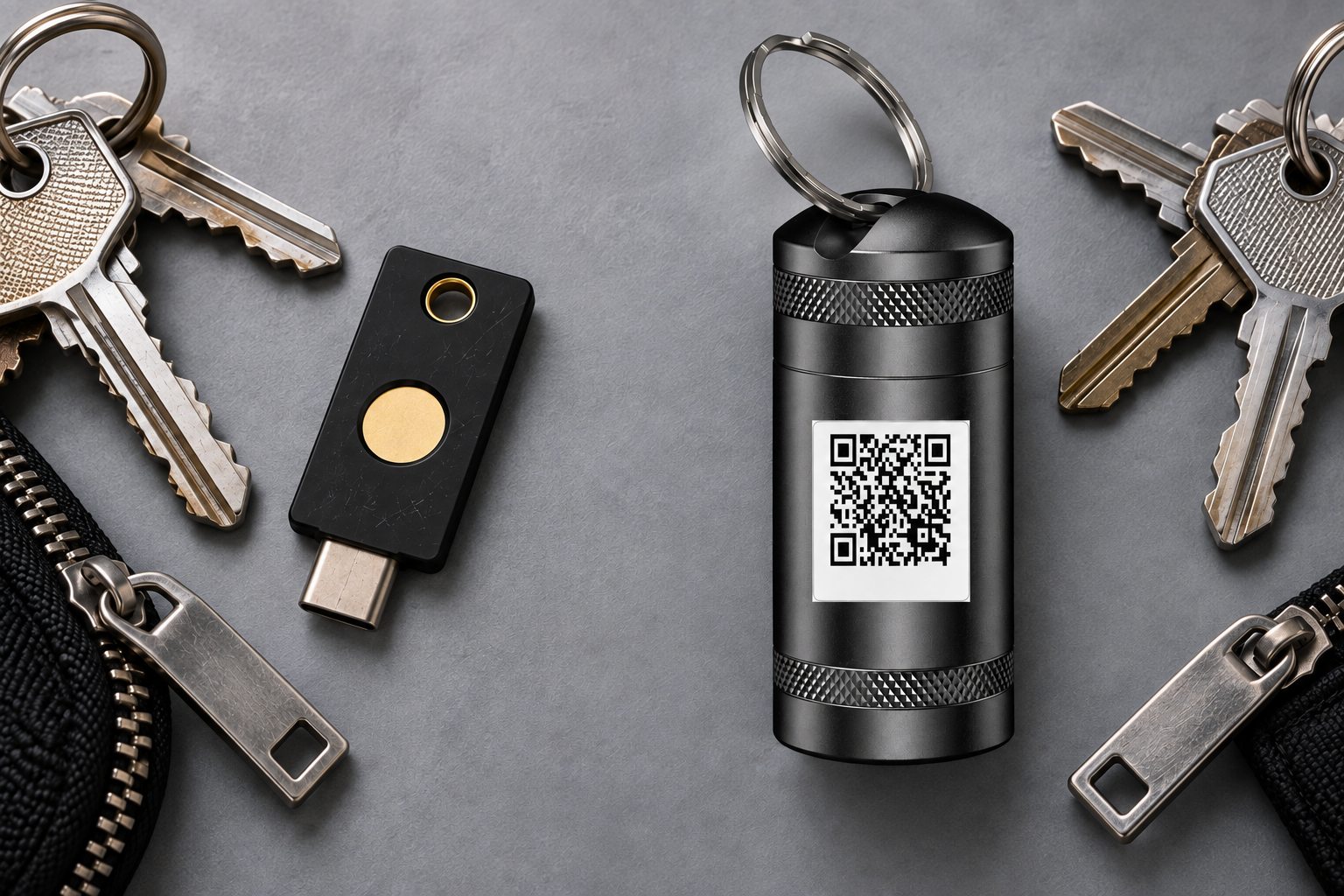
A compact outer shell and soft interior create a dedicated place for a compatible Security Key.
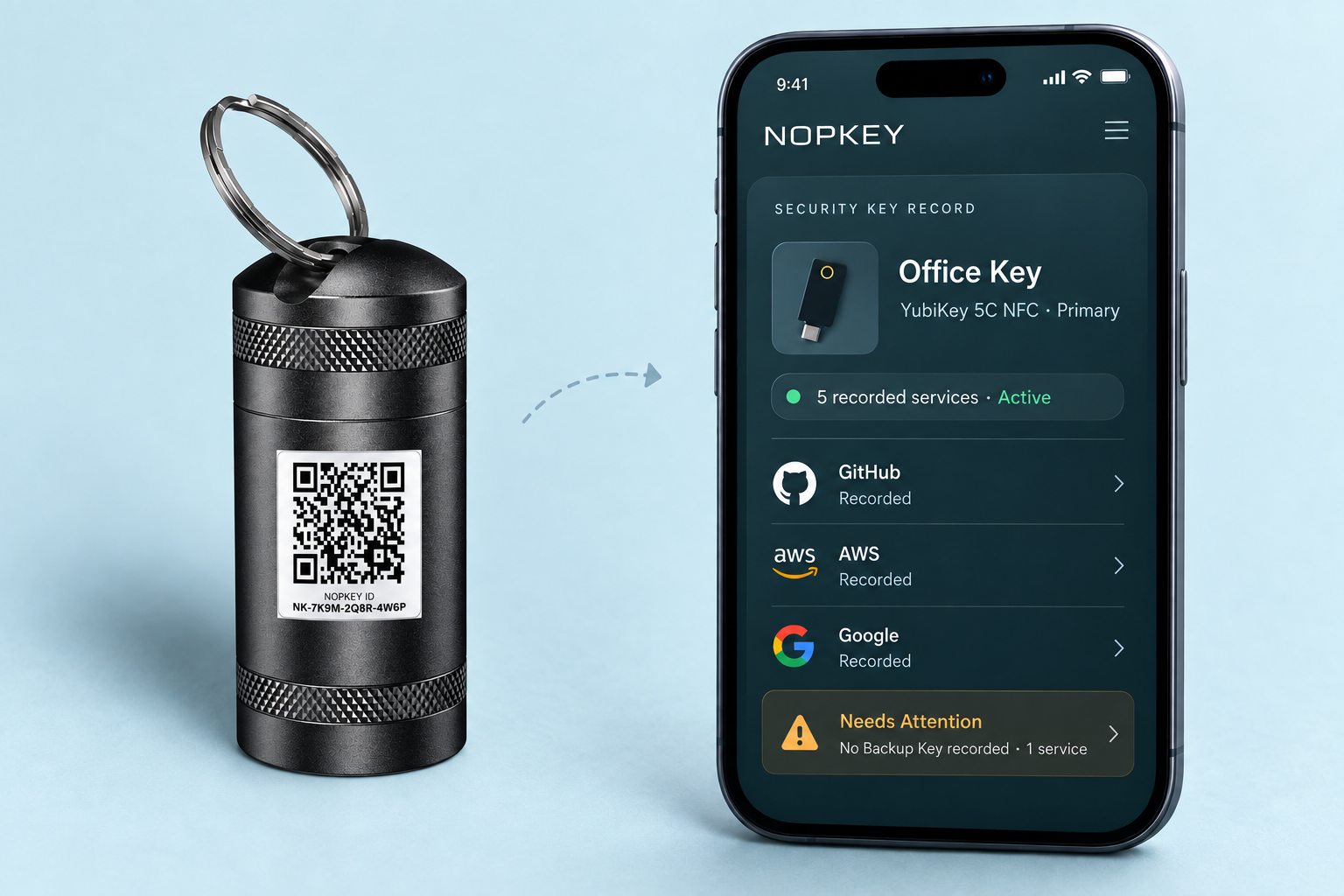
The bundled ID Label gives the Case a unique NOPKEY ID. Sign in with an account that has access to see the Key’s private record, including its name, role, recorded services, and anything that needs attention.
NOPKEY shows information based on the records you maintain. It does not check third-party accounts directly.
Both versions use the same compact form and include a 16 × 16 mm NOPKEY ID Label.
No. The Security Key is sold separately. The bundle includes one Case and one 16 × 16 mm NOPKEY ID Label.
No. This is not a universal Case. Check the current Amazon listing for your exact Security Key model and dimensions before ordering.
No. Remove the Security Key from the Case before USB or NFC use. The metal Case blocks NFC signals.
It opens the NOPKEY record connected to the physical Key. Authorized users can see the Key’s identity, recorded services, and items that may need attention.
No. It is designed to help reduce scratches, pocket friction, dust exposure, and everyday bumps. It does not prevent every kind of damage.
Choose a finish, confirm compatibility, and use the included NOPKEY ID Label to connect the physical Key to its management record.